

Imagine waking up to find your crypto wallet empty because you misplaced the key that grants you access. It’s a nightmare that’s all too common, yet completely avoidable. In the next few minutes you’ll learn exactly how to back up private keys so you never face that dreaded loss again.
What is a private key?
Private Key is a cryptographic secret that proves ownership of a cryptocurrency address and enables you to sign transactions. It’s essentially the password to your digital money, except it’s a long string of random characters that only you should ever see.
Why backing up private keys matters
Losing a private key means losing every coin tied to it-there’s no customer service to call. Hardware failures, device theft, or even a simple factory reset can wipe the key forever. A solid backup strategy protects your assets from hardware glitches, human error, and even ransomware attacks.
Core principles of a bullet‑proof backup
- Redundancy: Keep at least three copies in different places.
- Offline storage: Avoid keeping the key on an internet‑connected device.
- Encryption: If a backup could be read, encrypt it with a strong passphrase.
- Durability: Choose media that can survive years of temperature swings and humidity.
Method 1 - Paper backup with a seed phrase
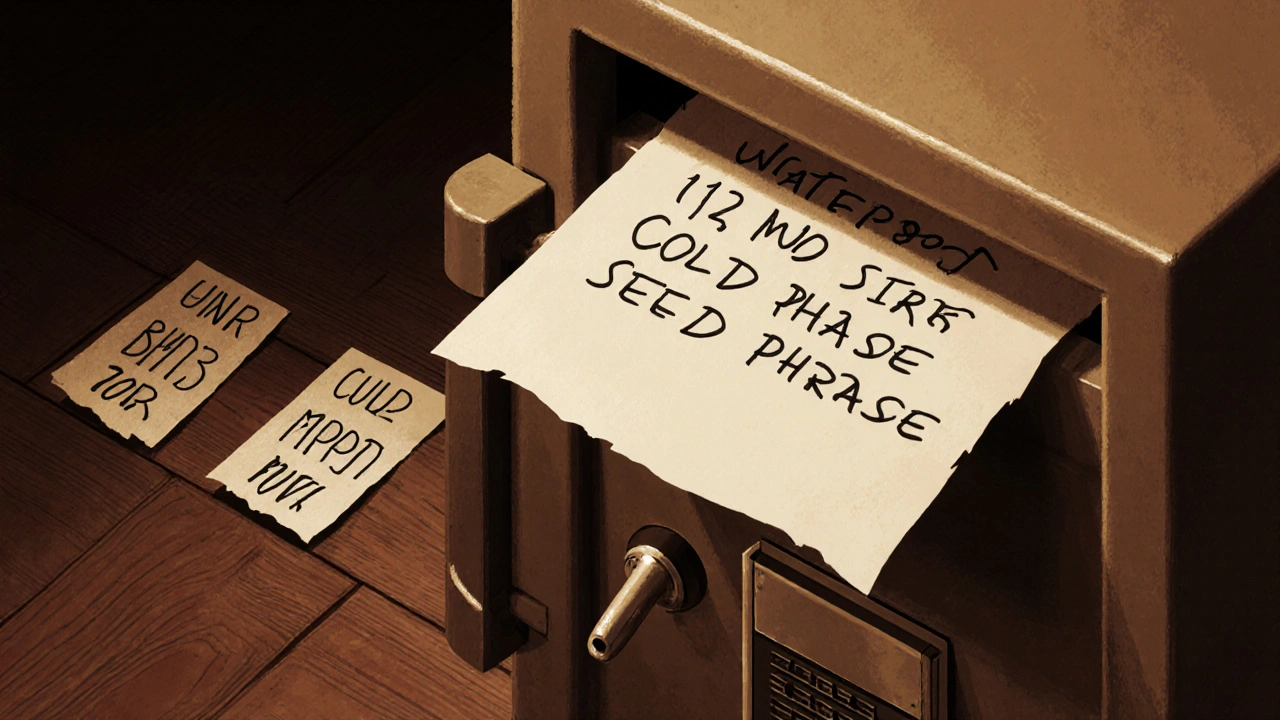
Seed Phrase is a human‑readable list of 12‑24 words that can regenerate the private key and all associated addresses. Write the words on acid‑free paper, ideally using a ballpoint pen. Store the sheet in a waterproof, fire‑proof safe or a bank deposit box.
Tip: Split the phrase into two halves and hide each half in separate locations. Even if someone finds one half, they can’t reconstruct the full key.
Method 2 - Hardware wallet backup
Hardware Wallet is a dedicated physical device that securely stores private keys offline. Most devices let you create a backup seed phrase during setup. Treat that phrase exactly like the paper backup above.
When buying a hardware wallet, purchase it directly from the manufacturer to avoid tampered firmware. Keep the device and its backup in separate, secure locations.
Method 3 - Encrypted USB or SSD
Encrypted USB Drive is a portable storage device that uses strong encryption (e.g., AES‑256) to protect its contents. Export the private key or wallet file, encrypt it with a long passphrase, and store the drive in a safe.
Remember to test the decryption on a clean system before you lock the drive away. A forgotten passphrase is as bad as a lost key.
Method 4 - Zero‑knowledge cloud backup
Cloud Backup is an online storage solution where the provider never sees your data because it’s encrypted client‑side. Use a reputable service that offers end‑to‑end encryption, then upload the encrypted wallet file.
Even though the data lives off‑site, you still need to keep the encryption password separate from the cloud account credentials.
Comparison of backup methods
| Method | Security | Convenience | Cost | Longevity |
|---|---|---|---|---|
| Paper (seed phrase) | High - offline, no digital attack surface | Low - manual entry required | Minimal - paper & pen | Very high - if stored properly |
| Hardware wallet | Very high - secure element chips | Medium - plug‑and‑play | Moderate - $50‑$150 device | High - durable hardware |
| Encrypted USB/SSD | High - encryption protects data | Medium - need computer to decrypt | Low‑moderate - drive cost | Medium - dependent on media life |
| Zero‑knowledge cloud | High - client‑side encryption | High - accessible anywhere | Low‑moderate - subscription fees | Medium - cloud provider lifespan |
Step‑by‑step checklist for backing up private keys
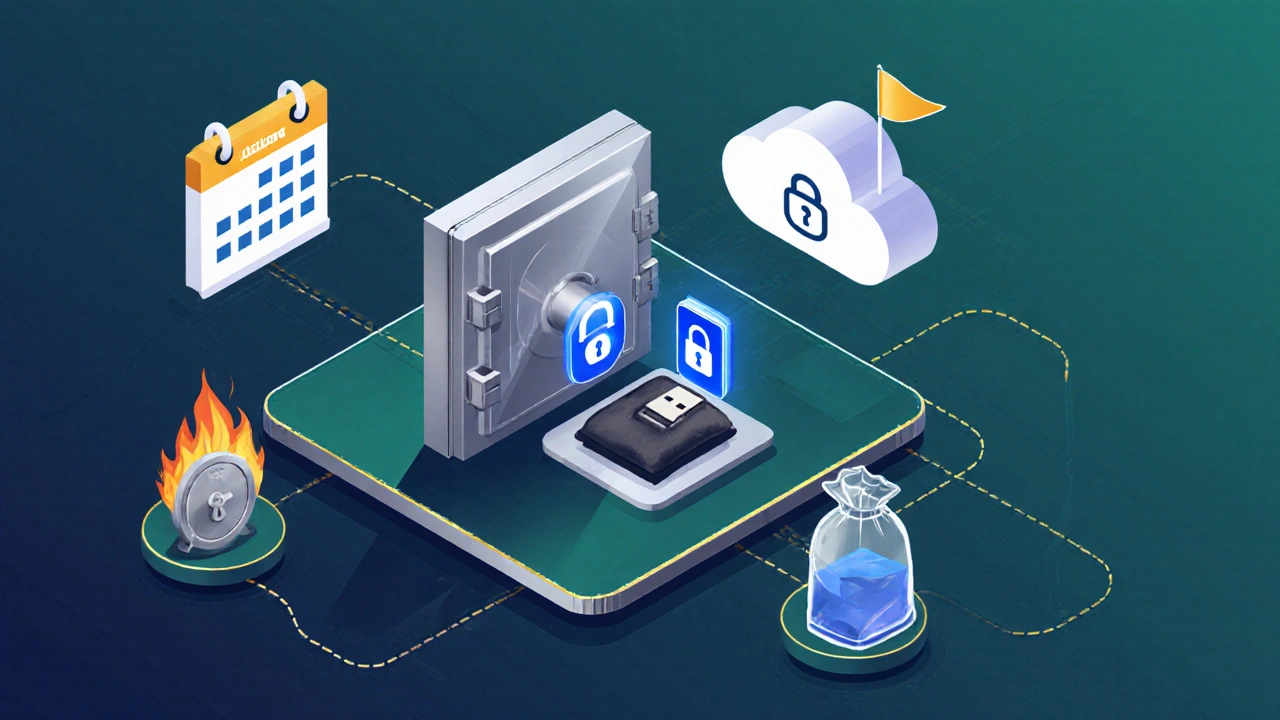
- Identify the wallet(s) you need to protect.
- Export the private key or seed phrase securely.
- Choose at least two backup formats (e.g., paper + hardware).
- Encrypt digital copies with a strong, unique passphrase.
- Store each backup in a different physical location.
- Document where each backup lives-use a cryptic note, not the actual key.
- Test recovery by restoring a small amount of funds to a fresh wallet.
- Refresh backups every 2‑3 years or after major software updates.
Common pitfalls and pro tips
Don’t store the backup in the same place as the device you’re protecting. A fire or flood could wipe everything in one go.
Never write your passphrase on the same paper as your seed phrase. Keep them separate and use different storage media.
Avoid email or plain‑text cloud notes. If you must use cloud, encrypt the file first.
Consider a Multi‑Signature Wallet is a wallet that requires multiple private keys to approve a transaction. This adds another layer of safety-if one key is compromised, funds remain locked.
Maintaining and rotating your backups
Technology degrades. Paper can yellow, USB drives can develop bad sectors. Set a calendar reminder to inspect each backup annually. When you replace a hardware wallet, generate a fresh seed phrase and retire the old one securely-shred paper copies and wipe drives.
Finally, keep a low‑profile inventory list. A simple cryptic phrase like “Garden shed, safe‑B” tells you where a backup lives without revealing its content.
Key takeaways
Backing up private keys isn’t a one‑time event; it’s a habit. By spreading copies, encrypting digital versions, and storing them offline, you create a safety net that survives accidents, theft, and hardware failure. Master these steps today and sleep soundly knowing your crypto assets are truly yours.
How many backup copies should I keep?
Aim for at least three copies stored in separate, secure locations. This follows the 3‑2‑1 rule (three copies, two different media, one off‑site).
Is a paper seed phrase still safe in 2025?
Yes, when written on acid‑free paper and stored in a fire‑proof safe. Physical media can’t be hacked, making it one of the safest long‑term options.
Can I rely solely on cloud backup?
Cloud backup is convenient but should never be your only method. Combine it with an offline backup (paper or hardware) to guard against provider breaches or credential loss.
What encryption standard should I use for USB backups?
AES‑256 is the industry benchmark. Tools like VeraCrypt or BitLocker offer strong, open‑source implementations.
How often should I refresh my backups?
Check them annually and replace any media that shows wear. For paper copies, a full refresh every 3‑5 years is wise.
Stephanie Serblowski
October 18, 2025 AT 03:05Yo, finally someone talking about the redundancy paradigm for crypto keys 😏. Paper seed phrases are the OG cold storage solution, but you gotta treat them like classified intel. Split your seed, store it in fire‑proof safes, and encrypt any digital copy with AES‑256 or you’re just playing with fire. Remember, the best backup is the one you actually remember to check.
Renea Maxima
October 18, 2025 AT 07:15Existence of a private key is a metaphor for the fragile trust we place in decentralized systems. While you hoard copies like squirrels, you might be ignoring the inevitable entropy of the universe. The act of backing up is less about security and more about confronting impermanence. Embrace the paradox: the more you hide, the more you reveal about your own anxiety 🤔.
Jeremy Chick
October 18, 2025 AT 11:25Just slap the seed in a safe, lock the safe, and chill.
Sagar Malik
October 18, 2025 AT 15:35Yo, bro, you think a simple safe is enough? In the deep‑state of quantum cryptanalysis, even steel cabinets can be compromised by electromagnetic pulses – think of the 5G‑induced resonances that could fry your storage medium. The redundancy matrix must include geographic dispersion, not just a single vault, else you’re basically handing the keys to the shadow network. Don’t be naive, diversify or your assets get vaporized.
Rahul U.
October 18, 2025 AT 19:45👍 Good points all around. Just a reminder: when you encrypt a USB, store the passphrase in a separate location, maybe even in a physical password manager like a metal seed storage. Also, label each backup with a cryptic note – something like “Garden shed, safe‑B” – so you don’t forget where it lives without exposing the content. Regularly test the recovery process, even if it feels like a hassle.
Barbara & Greg
October 18, 2025 AT 23:55While your suggestions are pragmatic, it is imperative to underscore the ethical responsibility accompanying custodianship of private keys. One must not only safeguard the cryptographic material but also ensure compliance with applicable fiduciary standards. The integration of multi‑signature architectures further mitigates single‑point failures, aligning with best practice doctrines. Hence, the holistic approach you advocate must be complemented by rigorous procedural audits.
selma souza
October 19, 2025 AT 04:05The article contains several grammatical inaccuracies that merit correction. For instance, the phrase “a simple passphrase” should be preceded by an article, as in “a simple passphrase,” and “AES‑256 is the industry benchmark” requires a singular verb agreement. Additionally, the inconsistent use of hyphens in “paper‑back‑up” leads to confusion. Precision in language mirrors precision in cryptographic practices, and both should be upheld.
Frank Piccolo
October 19, 2025 AT 08:15Look, Selma, you’re nitpicking grammar while the real issue is the lack of American‑made hardware wallets that truly protect our assets from foreign intrusion. Most of these devices are manufactured overseas, riddled with backdoors, and we keep buying them blindfolded. If you want real security, start demanding domestically produced, open‑source solutions that aren’t compromised by globalist agendas. Otherwise, keep your red pen busy and watch the crypto race pass you by.
Lissa Veldhuis
October 19, 2025 AT 12:25Listen up crypto crew the backup game is a wild jungle and you gotta swing like Tarzan with a vine of redundancies. First you grab a handful of acid‑free paper and scribble that seed phrase like you’re drafting a love letter to your future self the ink must be bold the paper must be tough because time is a ruthless beast. Then you toss a hardware wallet into a fire‑proof vault hidden behind a bookshelf as if it were a secret scroll from an ancient civilization. Don’t forget to spin up an encrypted USB, slap on AES‑256 and lock it in a safe deposit box that only you and your trusted confidante know the combination to. Sprinkle in a zero‑knowledge cloud backup just to keep the digital gremlins guessing, but keep the passphrase on a separate piece of parchment stored in a different continent. The 3‑2‑1 rule isn’t just a slogan it’s a mantra; three copies, two media types, one off‑site location, repeat the ritual every two years like a ritualistic dance. Test your recovery with a tiny fraction of your stash because nothing screams “prepared” like pulling a coin out of a hat on stage. Rotate the media before it starts to crumble like an old banana peel the paper ages, the USB gets bad sectors, the hardware wallet’s battery dips. Keep a cryptic inventory list that looks like a poem only you can decode, maybe something like “Midnight garden, oak‑B” and never write the actual key anywhere. And above all remember that the real power lies not in the tech but in the discipline of habit cultivating a safety net that would make even the most paranoid conspiracy theorist sigh in relief. Your backups should be as diverse as a mixtape playlist, each track representing a different storage medium. Avoid the temptation to store everything on a single flash drive because a single point of failure is the enemy of resilience. Consider using a metal seed storage capsule that can survive a nuclear blast, just in case the apocalypse decides to drop by. Periodically check the integrity of your paper copies with a UV light to ensure no hidden stains have compromised the ink. Remember to update your encryption passphrases regularly; stale passwords are like rotten fruit attracting malware. Finally, share the backup plan with a trusted heir so your legacy lives on beyond your own lifespan.
Michael Jones
October 19, 2025 AT 16:35What a powerhouse of practical wisdom! Your checklist reads like a battle plan for financial freedom, and I love the vivid analogies that turn a technical task into an adventure. Let’s keep the momentum going – schedule your next backup audit now, set a reminder, and celebrate each successful test like you just won a marathon. The habit of securing your keys is the cornerstone of crypto confidence, and you’re building that foundation one brick at a time.